




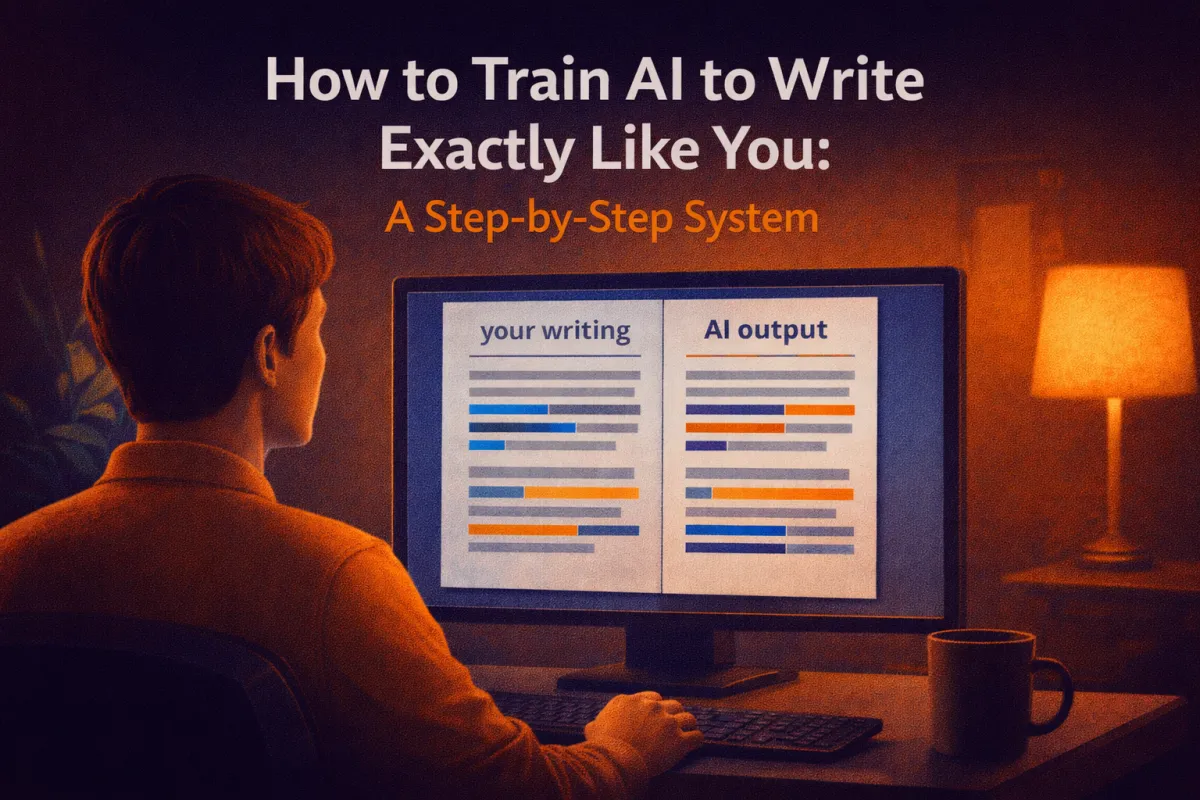
How to Train AI to Write Exactly Like You: A Step-by-Step System
Imagine having a writing assistant who knows your voice so well that people can't tell the difference between what you wrote and what your AI helped create. Not in a creepy, replacing-you kind of way—but in a "this sounds exactly like something I would say" kind of way.
This isn't science fiction. I've done it for our weekly newsletter at Mike Mandel Hypnosis. We created a custom GPT trained on 150 of Mike's newsletters. One Sunday in Las Vegas, when we realized we forgot to write that week's edition, we asked the AI to write one for us.
Mike read it and said, "This is... actually really good. I would have written this." And we sent it out. Nobody noticed.
Here's how you can do the same thing for your own writing, whether it's newsletters, books, social media, or anything else.
Why Generic AI Output Falls Flat
The biggest complaint I hear about AI writing is: "It sounds robotic" or "It doesn't sound like me."
That's because you're using AI like everyone else—asking it to write from scratch with no context about who you are, how you think, or what makes your voice unique.
Generic prompts get generic results. But when you train AI on YOUR content, YOUR style, and YOUR examples, everything changes.
The Custom AI Training Process
Step 1: Gather Your Source Material
You need examples of your actual writing. The more, the better. Here's what works:
For writers with existing content:
Published articles or blog posts (at least 10-15)
Newsletter archives (the more, the better)
Book chapters or manuscripts
Social media posts where you wrote longer-form content
Email sequences you've already sent
For speakers or verbal communicators:
Transcripts of presentations or talks
Podcast episode transcripts
Video scripts or YouTube video transcripts
Voice memos transcribed using Otter.ai or similar tools
For coaches or consultants:
Client email responses you've written
Course materials or training documents
Testimonial responses or case studies
One person in our mastermind has written four books. That's PERFECT source material. Another person creates hypnosis audios—those scripts are gold for training.
The key is authenticity. You want content that represents how you actually communicate, not how you think you should communicate.
Step 2: Choose Your AI Platform
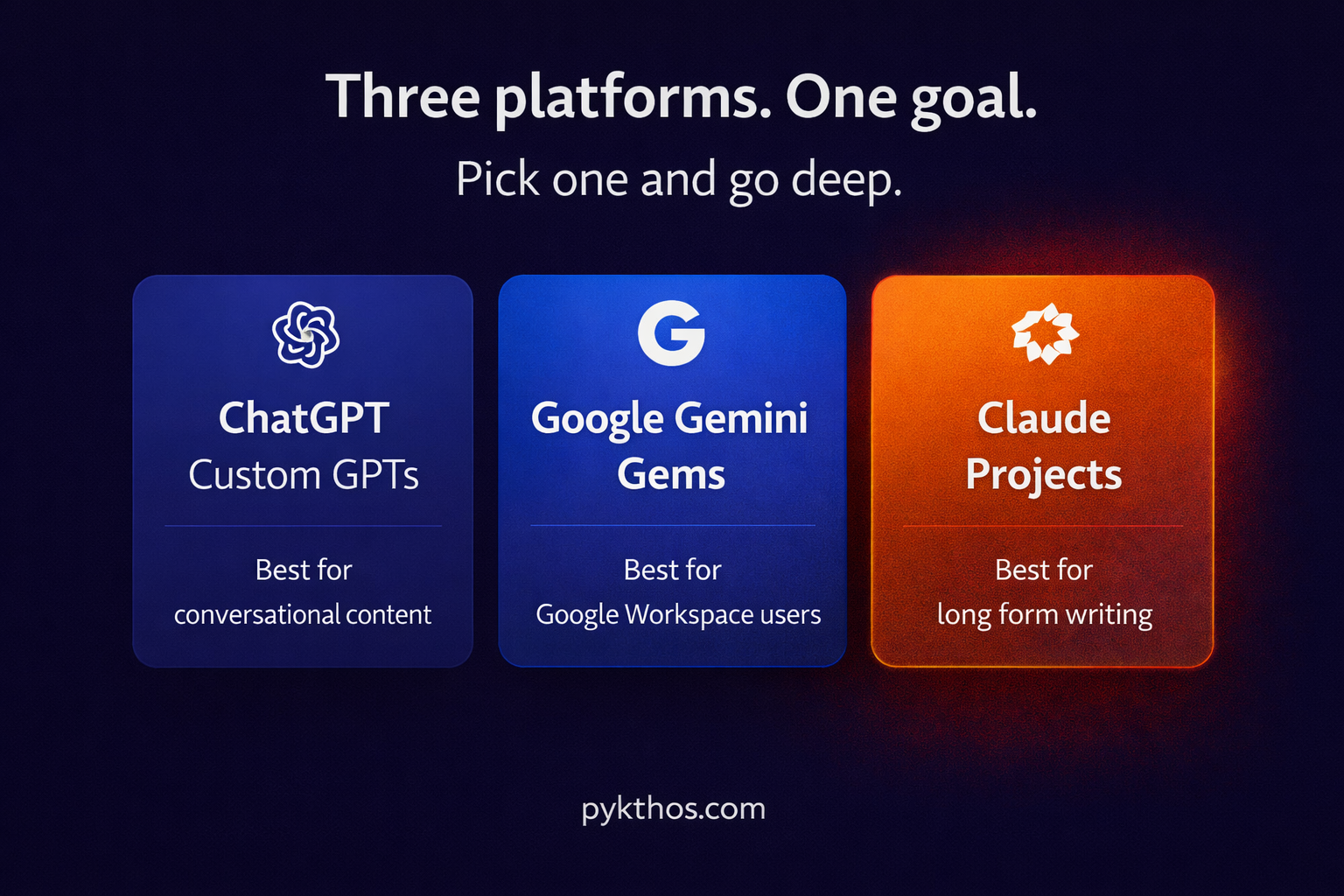
You have three main options, and they all work:
ChatGPT Custom GPTs ($20/month)
Best for: Text-heavy content and conversational AI
Easiest interface for most people
Can store up to 20 files in the knowledge base
Access via web browser only (not mobile app)
Google Gemini Gems (included with Google Workspace)
Best for: Integration with Google Docs and Drive
Files auto-sync when you update them in Drive
Can organize Gems in folders like regular files
Great for team collaboration
Claude Projects ($20/month)
Best for: Long-form writing and detailed analysis
Excellent at maintaining context over longer conversations
Can handle very large documents
Preferred by many professional writers
I pay for both ChatGPT and Claude because they excel at different things. But if you're just starting, pick one and go deep with it.
Step 3: Create Your Custom Instructions
This is where most people get stuck. They don't know what to tell the AI about themselves.
Here's the shortcut: Ask the AI to help you write the instructions.
Open a new chat and say:
"I want to create a custom AI that writes in my voice and style. I'm going to give you examples of my writing, and I need you to help me create the system instructions for this AI. What information should I provide to make this as effective as possible?"
The AI will ask you questions about:
Your typical audience
Your writing goals (education, persuasion, entertainment)
Your tone (casual, professional, humorous, direct)
Your favorite words, phrases, or expressions
Topics you write about most
Your communication values
Answer these questions conversationally. Don't overthink it. Then ask:
"Based on everything I just told you, write the custom instructions I should use to create this AI writing assistant."
Copy that output. That's your foundation.
Step 4: Upload Your Source Material
Now you'll actually create the custom GPT, Gem, or Claude Project.
In ChatGPT:
Click "Explore GPTs" in the sidebar
Click "Create"
Give it a name ("My Writing Assistant" or something specific like "Newsletter Writer")
Paste your custom instructions in the Instructions box
Click "Add Knowledge" and upload your source files
Click "Create"
In Google Gemini:
Go to Gemini and select "Gem Manager"
Click "Create New Gem"
Name it and add your system prompt
Attach files from Google Drive (they'll auto-sync)
Save
In Claude:
Start a new Project
Add your custom instructions
Upload source files
Start conversing
You can upload various file types: PDFs, Word docs, plain text files, even entire folders in some cases.
Step 5: Test and Refine Your AI
Start with a simple test:
"I'm writing about [topic]. Can you give me an opening paragraph in my style?"
Read what it produces. Does it sound like you? If not, give it feedback:
"That's close, but I tend to use shorter sentences and more direct language. Try again with that in mind."
The AI learns from your corrections. Over time, it gets better at matching your voice.
Advanced Technique: The Personality Extraction Method
Here's a sneaky hack one of our members discovered:
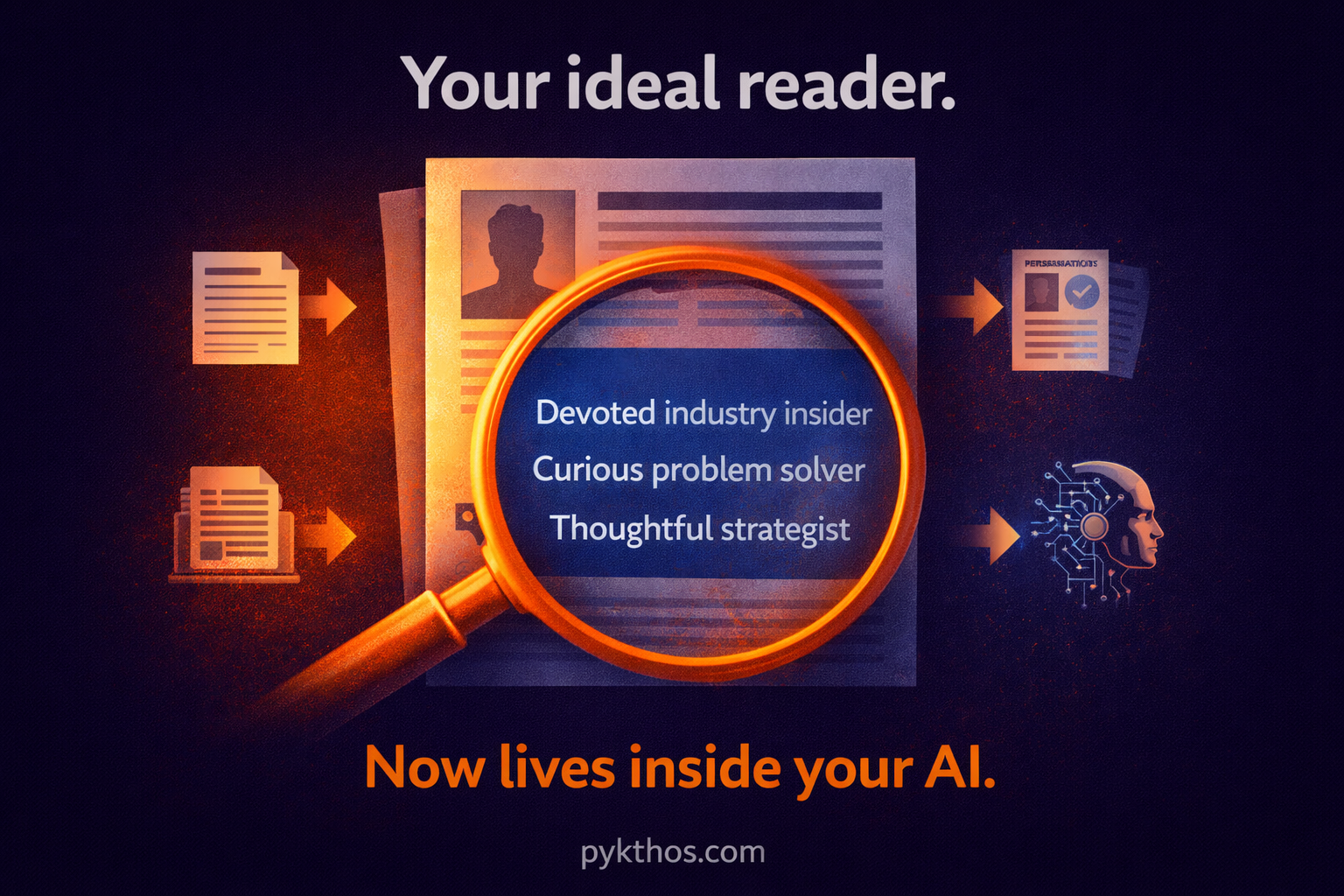
1. Create a detailed avatar document of your ideal client or reader
2. Feed that document to an AI and ask: "Who do you think this person is? Describe their personality in detail."
3. Take that personality description to a prompt creator and say: "Give me a system prompt to create an AI that embodies this personality."
4. Use that prompt to create a custom AI that literally IS your ideal reader
5. Now you can ask that AI: "Would this headline resonate with you?" or "How would you respond to this offer?"
You've essentially created a focus group of one that you can consult anytime.
Real-World Use Cases
The Newsletter That Wrote Itself
We trained our Open Mic Newsletter Creator on 150 of Mike's past newsletters. One Sunday in Las Vegas at a hypnosis conference, we realized we'd forgotten to write that week's edition.
I opened the custom GPT and said: "We're at a conference. Mike and I have been coming here since 2015. We've never had a vendor booth because we prefer being a 'walking vendor table'—just creating energy and building relationships rather than sitting behind a table. Can you write an Open Mic newsletter about this?"
It produced a nearly perfect newsletter in Mike's voice. We sent it with minimal edits. That was the ONLY newsletter Mike didn't personally write, and it performed just as well as the ones he did.
The Book Editor That Knows Your Voice
One person in our community has written four books. He wants to write a fifth, but he struggles with the editing process—specifically, his writing can be "rated R" with military language.
Solution: Upload all four books to a custom AI and say: "You are my editor. You know my voice from these four books. When I give you raw content, clean it up, fix grammar and punctuation, but maintain my voice. Tone down any language that would be inappropriate for general audiences, but keep the energy and directness."
Now he can "angry type" his first drafts and let the AI handle the polishing.
The Social Media Manager
Another use case: Upload months of your best social media posts and say: "Analyze my posting style, topics, and engagement patterns. When I give you content ideas, help me turn them into posts that match my established voice and format."
Suddenly, creating social media content becomes 10x faster because you're not starting from scratch—you're remixing and adapting within your established style.
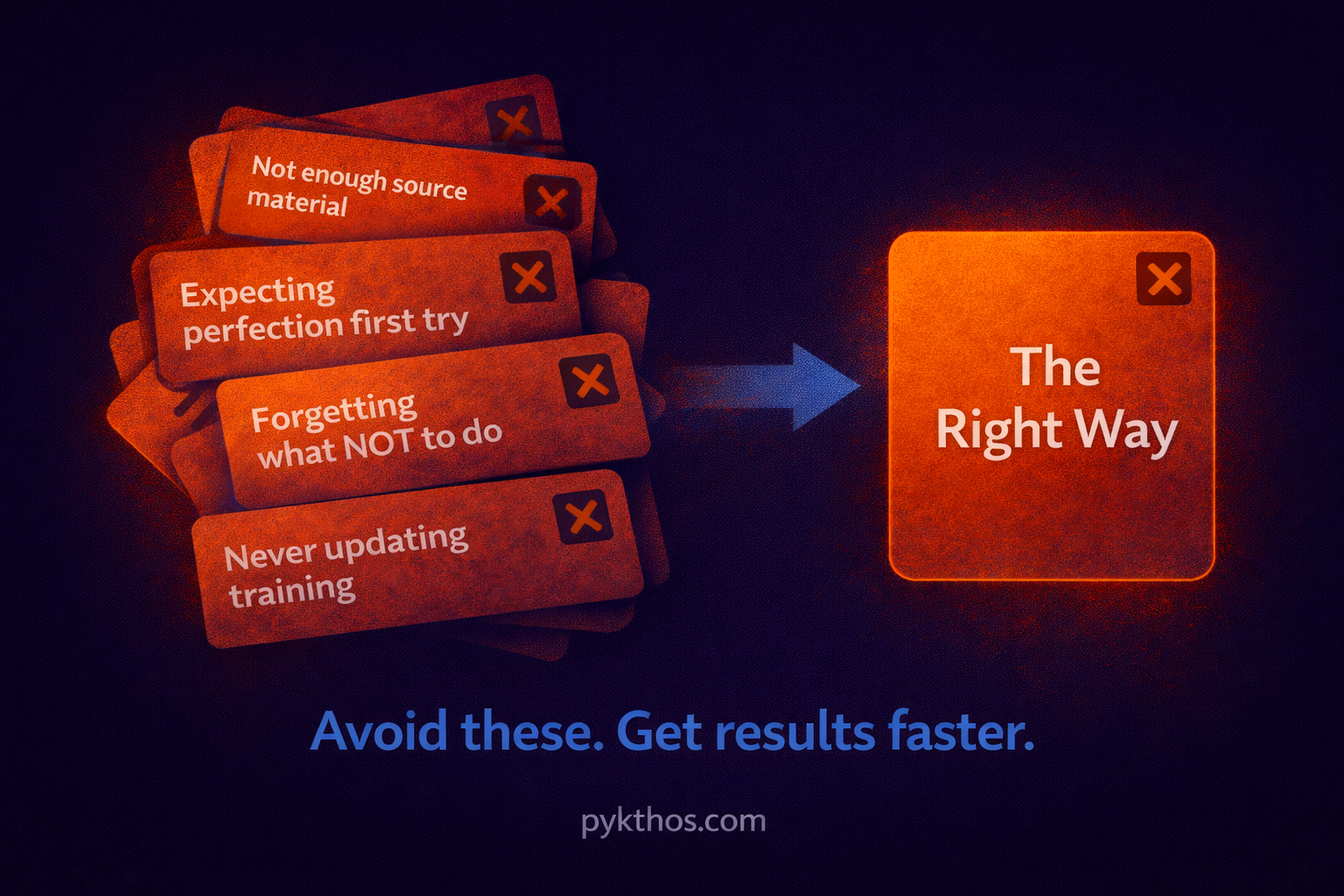
Common Mistakes to Avoid
Mistake #1: Not providing enough source material
One or two examples aren't enough. You need at least 10-15 substantial pieces of content for the AI to identify patterns.
Mistake #2: Expecting perfection on the first try
Even trained AI needs refinement. Plan to iterate and provide feedback.
Mistake #3: Forgetting to specify what NOT to do
Tell the AI: "Don't use emojis," "Don't write in bullet points unless I ask," "Don't use corporate jargon," etc.
Mistake #4: Not updating your training material
As your voice evolves, add new content to keep the AI current.
Mistake #5: Using the free version and wondering why it doesn't work well
The free versions are limited. If you want serious results, the $20/month investment in ChatGPT Plus or Claude Pro is absolutely worth it.
Your Action Plan for This Week
Day 1-2: Gather your source material. Compile at least 10-15 pieces of your best writing or transcripts.
Day 3: Choose your platform and create a paid account if you don't have one.
Day 4: Use AI to help you write your custom instructions.
Day 5: Create your custom AI and upload your source material.
Day 6: Test it with simple writing tasks and refine based on results.
Day 7: Use it for a real project—a newsletter, social post, or content piece you need to create.
This isn't about replacing yourself as a writer. It's about having a tireless assistant who can help you write faster, maintain consistency, and never experience writer's block.
The content still comes from your brain—the AI just helps you get it out faster and cleaner.
Ready to accelerate every content project you create? Join our Strategy Cafe where we share live implementations and answer your specific AI questions. Visit https://pykthos.com/cafe to register for the next session.


